In January 2026, our new annual membership fee tier takes effect. The new tier is US$200 for member organisations that operate on publishing revenue or expenses (whichever is higher) of up to US$1,000 annually. We announced the Board’s decision, making it possible in July, and––as you can infer from Amanda’s latest blog––this is the first such change to the annual membership fee tiers in close to 20 years!
The new fee tier resulted from the consultation process and fees review undertaken as part of the Resourcing Crossref for Future Sustainability program, carried out with the help of our Membership and Fees Committee (made up of representatives from member organisations and community partners). The program is ongoing, and the new fee tier, intended to make Crossref membership more accessible, is one of the first changes it helped us determine.
It has been 18 (!) years since Crossref last deprecated a metadata schema. In that time, we’ve released numerous schema versions, some major updates, and some interim releases that never saw wide adoption. Now, with 27 different schemas to support, we believe it’s time to streamline and move forward.
Starting next year, we plan to begin the process of deprecating lightly-used schemas, with the understanding that this will be a multi-year effort involving careful planning and plenty of communication.
Scholarly metadata, deposited by thousands of our members and made openly available can act as “trust signals” for the publications. It provides information that helps others in the community to verify and assess the integrity of the work. Despite having a central responsibility in ensuring the integrity of the work that they publish, editorial teams tend not be fully aware of the value of metadata for integrity of the scholarly record. How can we change that?
Crossref was created back in 2000 by 12 forward-thinking scholarly publishers from North America and Europe, and by 2002, these members had registered 4 million DOI records. At the time of writing, we have over 23,600 members in 164 different countries. Half of our members are based in Asia, and 35% are universities or scholar-led. These members have registered over 176 million open metadata records with DOIs (as of today). What a difference 25 years makes!
In our 25th anniversary year, I thought it would be time to take a look at how we got here. And so—hold tight—we’re going to go on an adventure through space and time1, stopping every 5 years through Crossref history to check in on our members. And we’re going to see some really interesting changes over the years.
Registering new articles and working with volumes/issues
Documentation Menu
Registering new articles and working with volumes/issues
The Metadata Manager tool is in beta and contains many bugs. It has been deprecated since 2021 and will be sunset at the end of 2025. We recommend using an alternative such as the record registration form, the web deposit form, or the OJS plugin if your content is hosted on the OJS platform from PKP.
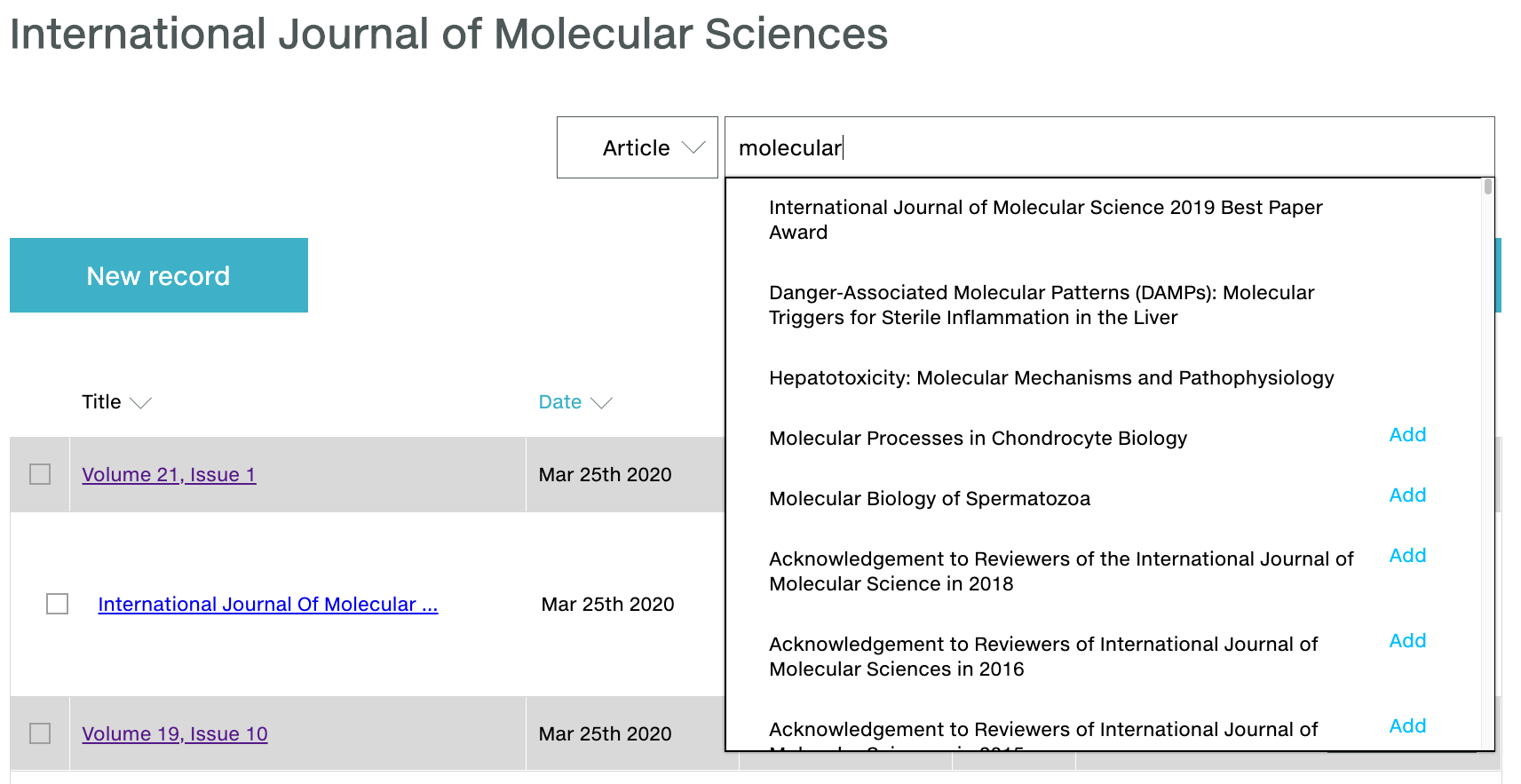
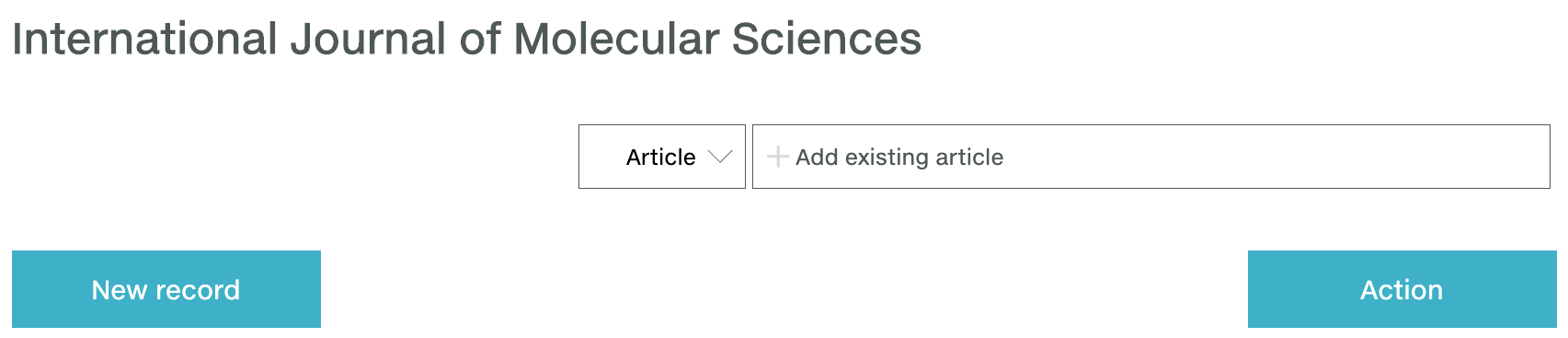
Click into the journal to view all of its associated articles in your workspace. You will only see previous deposits made using Metadata Manager. To see deposits made using other deposit methods, manually add them by searching for the article using Search.
If your journal does not have volumes or issues, click Add record, select New article, and go to add article metadata.
New article in new volume and/or issue
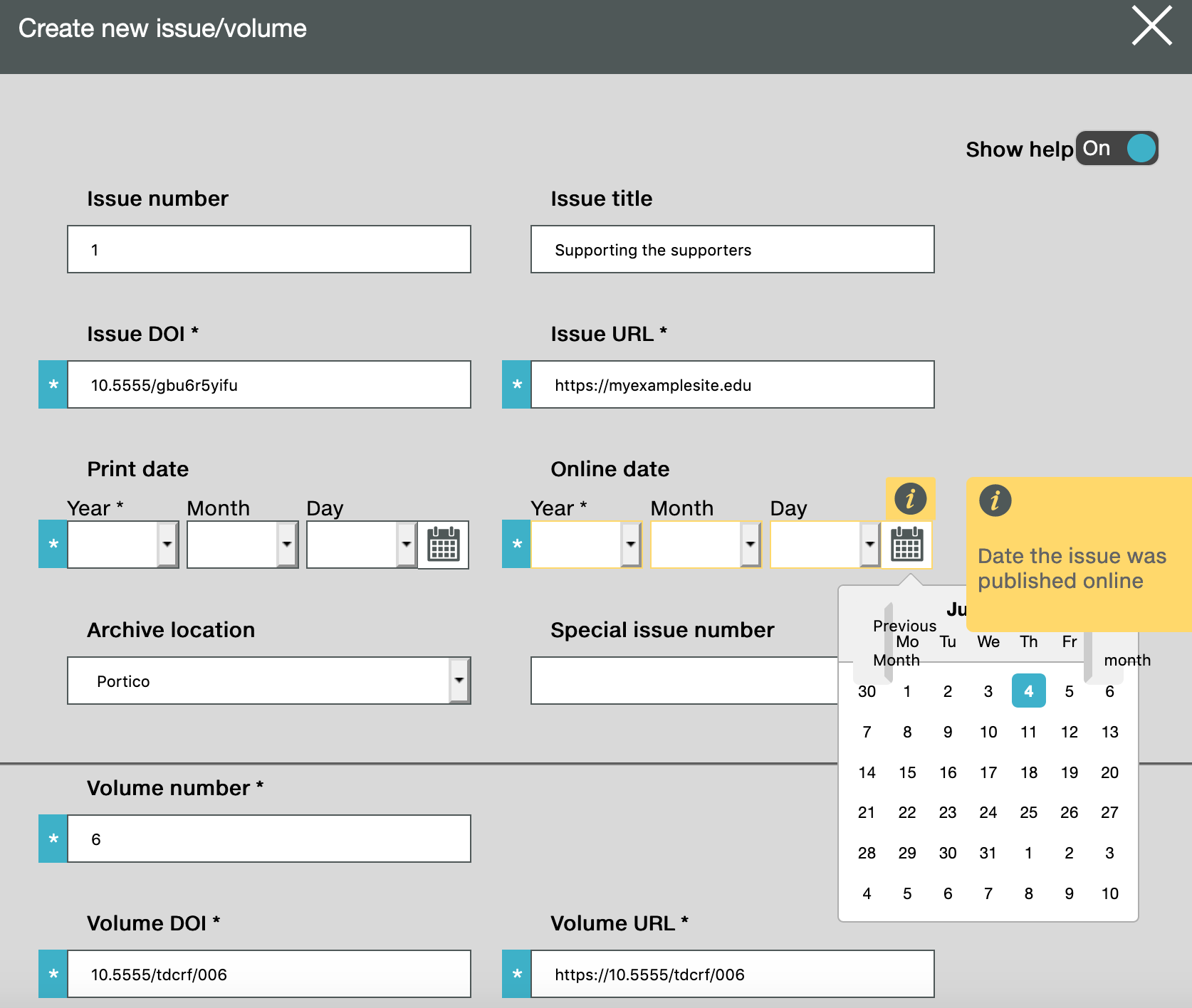
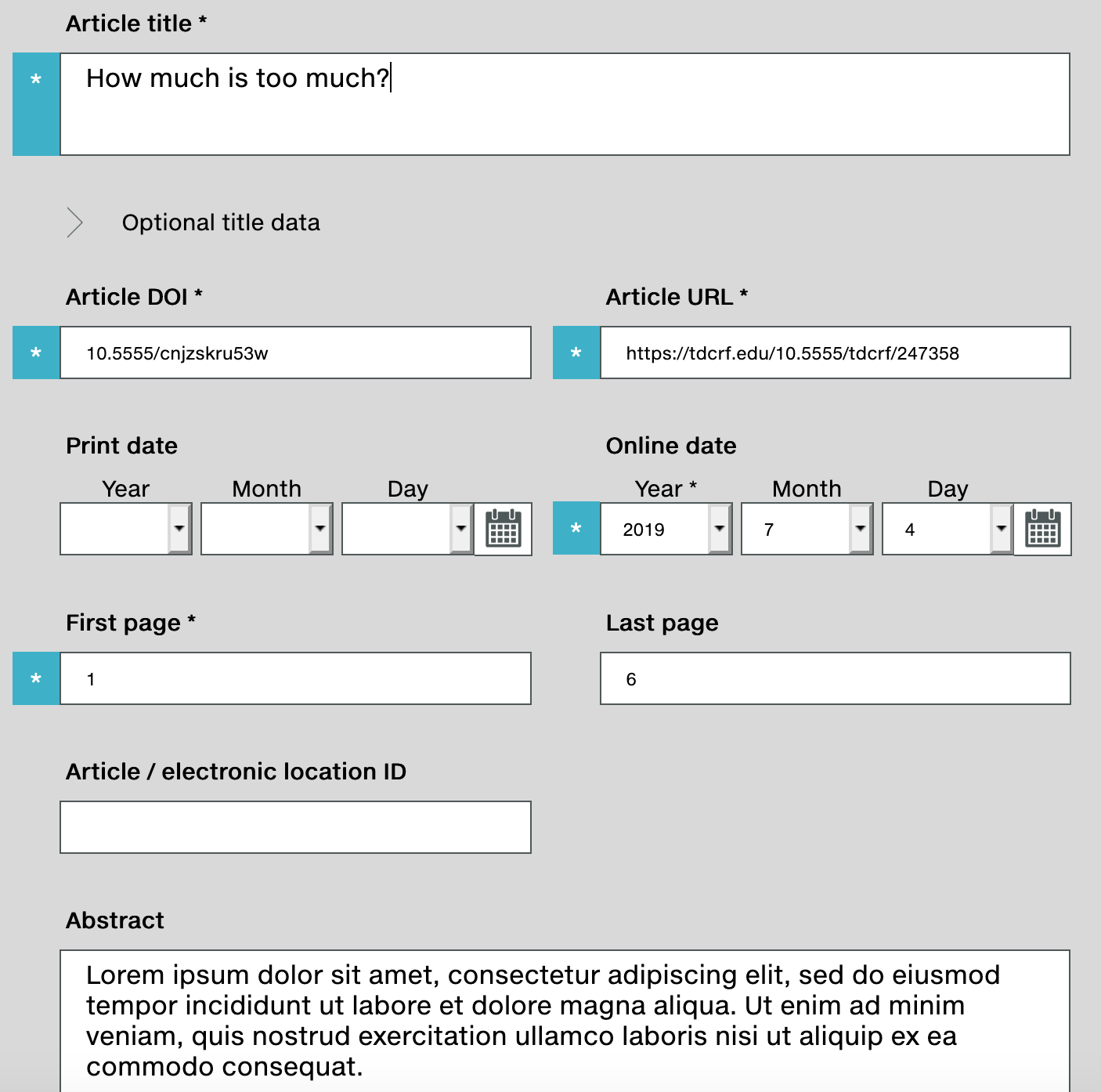
If the article is part of a new volume and/or issue, click Add record and select New volume/issue. Complete the fields in the volume/issue form. The blue/asterisk * mark indicates a required field. Click Save, then click Close. The volume/issue is now added into your workspace (you only need to do this once for all articles associated with this volume/issue). The volume/issue now appears in your journal Record List - click Add article on the right of that row.
If the new article is part of an existing volume or issue, click on Add article by the relevant volume/issue. To add an existing volume/issue to your workspace, enter its DOI into the search bar and click Add.
Provide contributor, funding, license, references, and additional metadata by clicking on each section to open it out. The blue/asterisk * mark indicates a required field, and we recommend that you deposit as much metadata as possible for the optional fields.
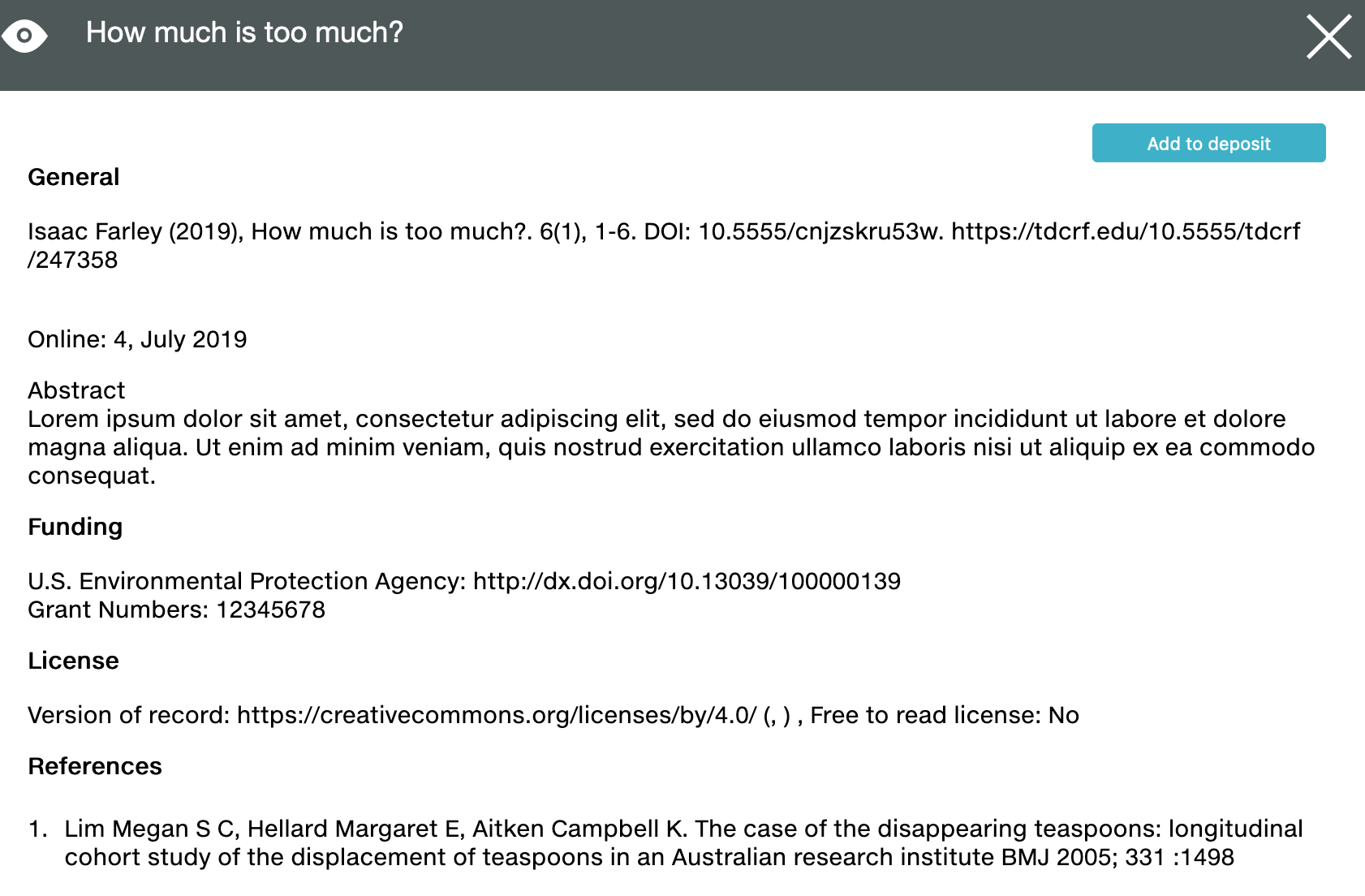
At any time, click Continue (at the top right of the screen) and select Add to deposit, Save, or Review.
If you would like to know more about the metadata for each field, we provide tool tips that appear on the right side of the form. You can turn these off be selecting Off in Show help slider at the top of the form. For a broader overview, explore our metadata best practices.
Metadata Manager checks your metadata to ensure that you provide the correct type of information needed for a successful deposit. You will see warnings when the metadata does not validate, which contain guidance on the type of metadata we are expecting. These do not need to be corrected until you are ready to submit the deposit.
If you participate in Crossmark, you can also add Crossmark metadata to the article record using Metadata Manager. This section will automatically appear at the bottom section of the article form for Crossmark participants - please contact us if the section doesn’t appear for you.
Page maintainer: Sara Bowman Last updated: 2022-July-22